

Our approach
Think of us as your personal coach, but for data and analytical thinking.

We can give you a book full of tips and technical know-how (and we do).
But true learning isn't knowing what a feature does. It's knowing when to use it, why it matters, and how it applies to the problems you're trying to solve.
That's why we focus on developing analytical thinking alongside technical skills – learning how to structure problems, work with data, evaluate evidence, and make better decisions. Thinking that works, no matter the tool.
How we train your thinking
Think
Build
Learn
Accelerate
Understand the problem before anything else
Learners have to determine, in precise terms, what they’re trying to answer, what attributes and metrics are relevant, and what needs to be done to clean the data, build the model, and write the DAX. At this point, there is no clicking. There is simply a lot of thinking aloud.
Translate thinking into structure
Once the problem is clear, we move into implementation. Here is where we get into the software and guide learners on the tool: how to pull in and clean data quickly and reliably; how to build data models; how to write DAX calculations.
Refine through doing
More often than not, mistakes occur. The model doesn’t quite work, or the calculations are wrong. Each error is spotlighted with the class through shared screens, and turned into a learning opportunity. The group works through it together — testing hypotheses, trying different things. Everyone gets to follow the reasoning, not just the outcome.
AI is changing how analytical work gets done — but only when the underlying thinking is strong.
Our new upcoming course focuses on using AI in data analysis as an extension of the skills developed in our foundational courses. It helps you move faster, explore ideas more widely, and automate routine work — without losing control over structure, logic, or judgement. Join our mailing list to be the first to hear when it launches in Q3 2026.
Each training is focused on small group discussions and hands-on practice on actual problems with real datasets. Learners go through the full analytical process, not just the middle:
What this means in practice
To help you develop your thinking and learn effectively, our trainings have certain features that you don’t typically find with other training providers:
 Pre-training introduction call
 Small interactive classes
 Actually helpful technology
 Know-how, know-when, and know-why
 Post-training coaching
That’s why we reach out to you prior to your training, so that we can make note of your needs and specifically tie in what we go through in our training sessions to them.
Just like watching Masterchef doesn't make you a good cook, our classes are small and highly interactive because the best way to understand the material is to engage with it.
As long as your laptop has WiFi and current versions of Excel and Power BI, you're good to go.

Hear what our learners had to say

What you can expect
Your learning journey with us starts before your training course and continues after.
Software check
Technical check
Approach
Personalised coaching



What to expect
Your learning journey with us starts before your training course and continues after.
-
Registration
Payment
Payment is not required at registration. You will receive a quotation for signature, followed by an invoice via email with payment details.
Software check
Feel free to use your company or personal laptop with Windows, Excel, and Power BI for training exercises. We ask that you upload a screenshot of your software details during registration to ensure compatibility. -
Pre-training
Alignment
We begin with your end in mind. Before training, we'll connect over a video call to align our training with your goals and work challenges.
Technical check
We'll also do a technical check on your laptop to ensure a smooth connection to the virtual machine for in-class exercises. This call is a two-way conversation, so feel free to ask questions or raise any concerns. -
Training - 2 days
Venue and materials
We gather at Frasers Tower, our training venue. You will receive a hardcopy A5 course booklet that covers the course content in detail.
Approach
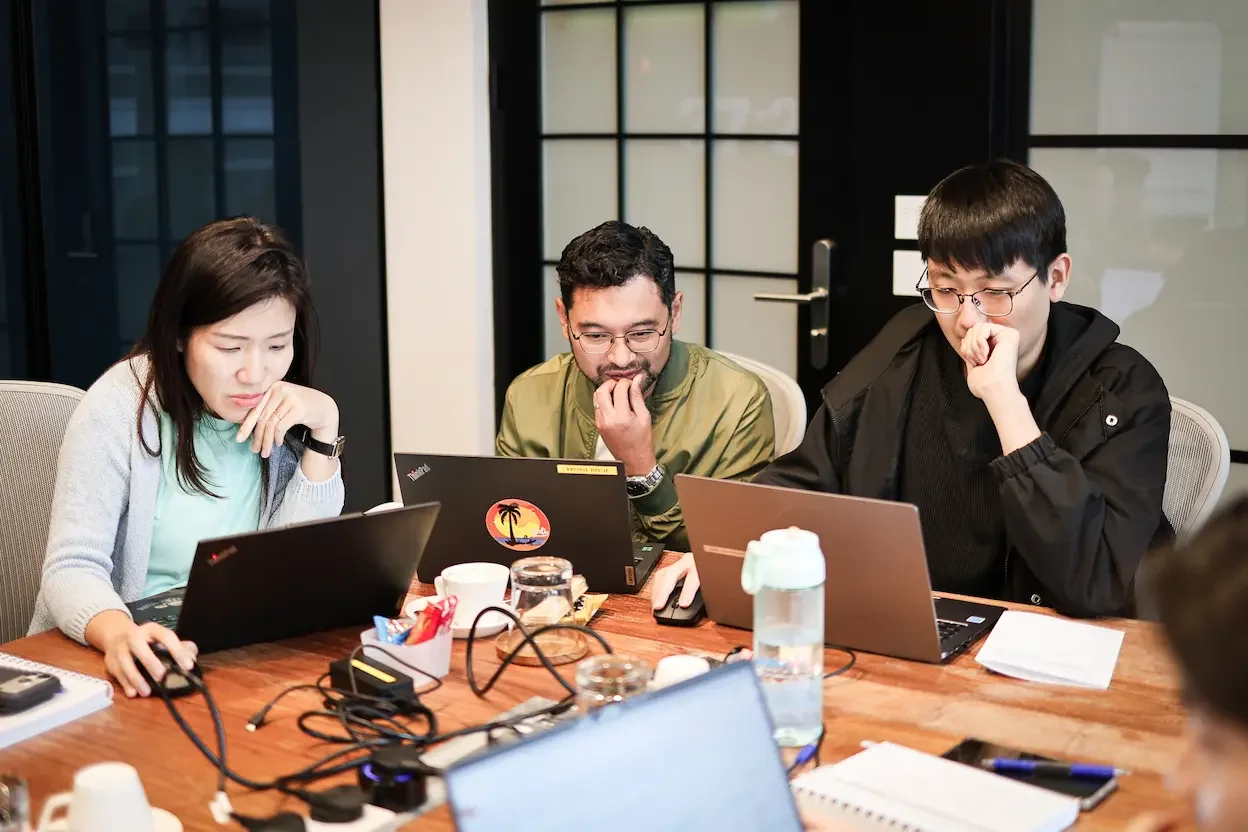
Expect interactive sessions with hands-on exercises reflecting real work scenarios. With a maximum class size of 9 participants, you are encouraged to ask questions and build on one another's learnings. Each day includes two 15-minute breaks and a 60-minute lunch break. -
Post-training
One-week challenge
Participate in our one-week challenge post-training, solving daily data problems on WhatsApp with your fellow trainees to win prizes.
Personalised coaching
We offer a complimentary 60-minute personalised coaching session within 30 days of your training to work through any challenges or questions you face in applying your new skills at work.
Additional training details
Duration
2 days, 9.30am - 5.30pm, with one-hour lunch break
Frasers Tower
Training venue
Trainer
Mode of delivery
In-person

Training materials
A5 course booklet provided
No prior Power BI knowledge is required.
We do expect that you work with data regularly.
Prerequisites
Either a personal or company laptop, with current versions of Excel and Power BI installed.
Software used